> ## Documentation Index
> Fetch the complete documentation index at: https://docs.cadmium.app/llms.txt
> Use this file to discover all available pages before exploring further.
# Introduction
> Welcome to Cadmium — color your animation with AI
 ## About Cadmium
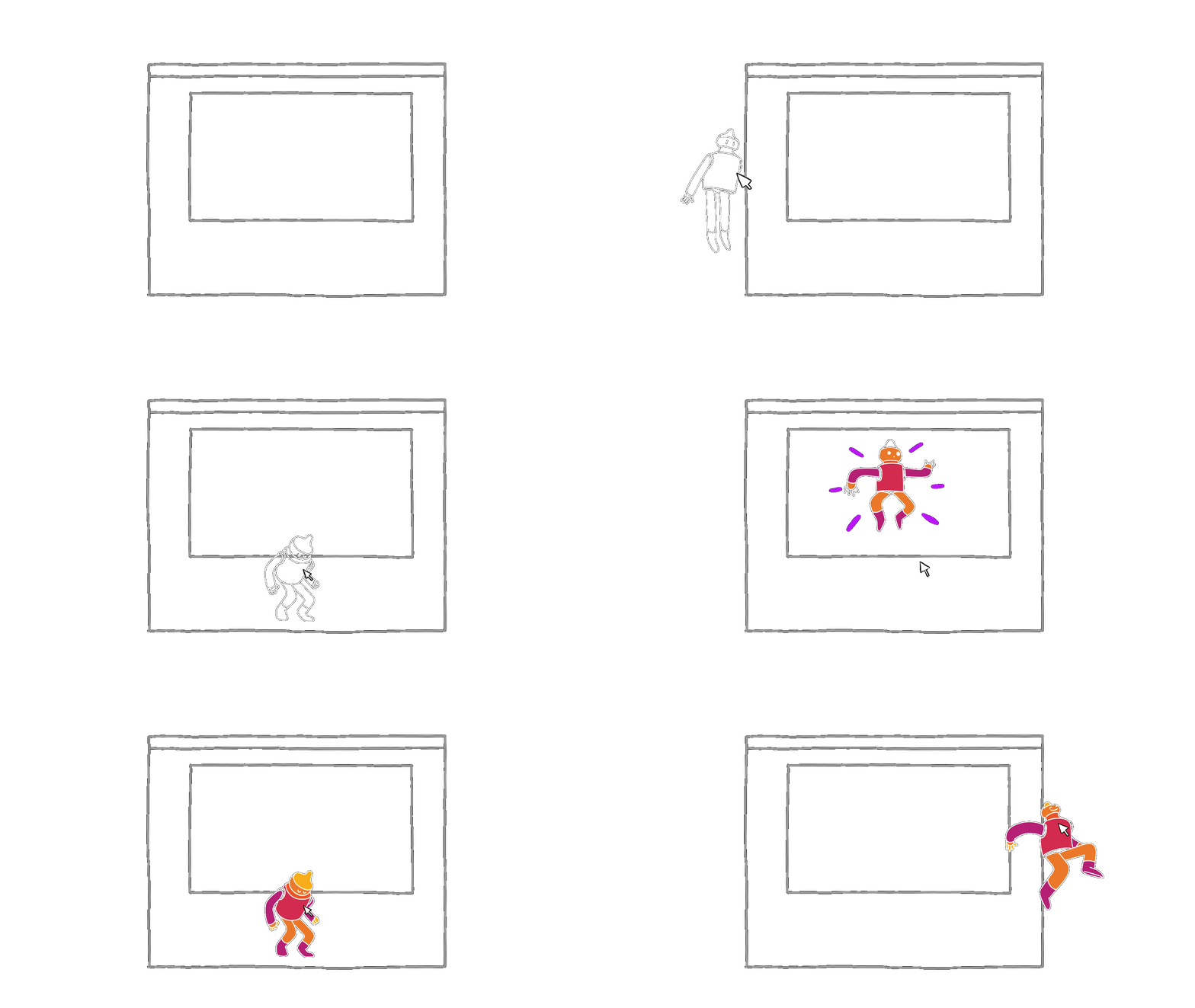
Cadmium is a creative tool for hand-drawn animation. Assisted by AI, you can color your entire sequence from just a few keyframes. It was developed to help traditional animators digitally color their line frames.
By automating repetitive tasks, Cadmium allows artists to focus on being creative.
## Key Features
Import your line artwork as numbered .png sequences with an alpha channel.
Import or create a reference frame within Cadmium to define the color of each segment on your image.
Define a "segment map" of your line image, identifying all boundaries of areas that can be colored uniquely.
Based on your reference image, Cadmium predicts color choices for uncolored frames — sequentially or one at a time.
Use drawing tools to manually adjust line work and colors for pixel-perfect results.
Export your work to integrate back into your pipeline. Each color can be exported separately if desired.
## Contacting Support
If you encounter any issues or have questions not covered in this documentation, contact us at [hello@cadmium.app](mailto:hello@cadmium.app).
## About Cadmium
Cadmium is a creative tool for hand-drawn animation. Assisted by AI, you can color your entire sequence from just a few keyframes. It was developed to help traditional animators digitally color their line frames.
By automating repetitive tasks, Cadmium allows artists to focus on being creative.
## Key Features
Import your line artwork as numbered .png sequences with an alpha channel.
Import or create a reference frame within Cadmium to define the color of each segment on your image.
Define a "segment map" of your line image, identifying all boundaries of areas that can be colored uniquely.
Based on your reference image, Cadmium predicts color choices for uncolored frames — sequentially or one at a time.
Use drawing tools to manually adjust line work and colors for pixel-perfect results.
Export your work to integrate back into your pipeline. Each color can be exported separately if desired.
## Contacting Support
If you encounter any issues or have questions not covered in this documentation, contact us at [hello@cadmium.app](mailto:hello@cadmium.app).