

Pen Tool
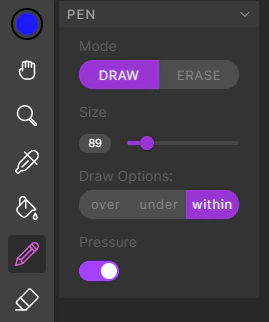
- Toggle between draw and erase mode with Alt/Option.
- Adjust pen size with the slider, or while the pen is selected, hold Control and right-click drag left/right.
- Pressure sensitivity can be toggled on and off from the pen panel.
Draw Options
There are three drawing modes:Eraser Tool
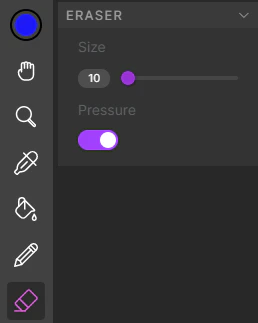
Common Uses for Pen and Eraser
After analyzing your frames, you may find gaps in your linework. In addition to adjusting the Analysis Settings, you can use the pen and eraser to make manual corrections. You can also use the pen on the Color Layer for small tweaks. Note that drawing on the color layer does not currently update the segmentation mask, so manual changes may not persist through re-colorization.Fill Tool
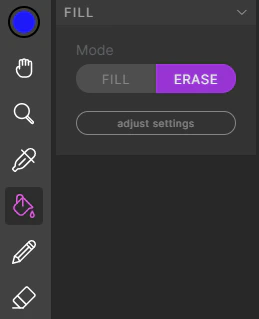
Eyedropper
