Exporting Frames

When you’ve finished the coloring process, export your frames by pressing the Export button in the lower-right corner, or via the menu: File > Export. Whichever layers are currently visible in your timeline is what will be exported.

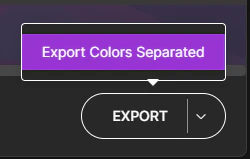
Export Colors Separated

Export Options
If you need to export all individual colors separately for your compositing process, click the arrow on the Export button and select Export Colors Separated. This will export each individual palette color into its own separate folder at your specified location.